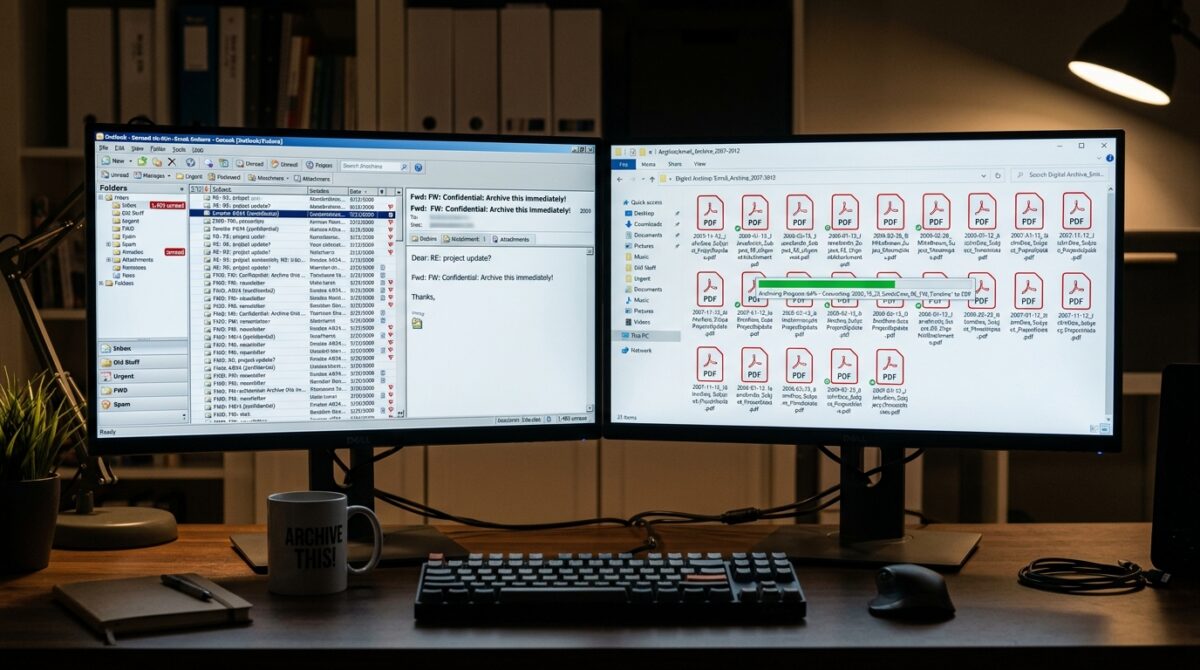
Converting Legacy PST and MBOX Email Archives into Searchable Local PDFs for Long-Term Storage
When email archives are kept in old formats like PST and MBOX, it may become challenging to handle them over time owing to the fact that these formats are dependent on other applications and have compatibility limits. Some email clients are required in order to access these formats, and it is possible that these clients may not always be accessible or supported in the future. Creating searchable PDF files from these archives is a solution that is both long-lasting and platform-independent. It allows for simple accessing and archiving over an extended period of time. In addition to being easily indexable and having widespread support, PDFs are able to successfully maintain the structure and content of emails. Without having to depend on specialist technologies, users are able to guarantee that crucial messages will continue to be accessible by converting the data from their emails into this format. Additionally, this approach improves searchability, making it possible to get information from lengthy datasets in a short amount of time. In order to keep the integrity of the data intact, it is vital to have a solid understanding of how to effectively accomplish this conversion. It is possible to retain historical email archives in a manner that is future-proof by using a systematic method.
The Structures of the PST and MBOX Files: An Understanding
The PST and MBOX file formats are two of the most used formats for storing email data. Each of these formats is connected with a distinct email client. PST files are often used in a number of desktop email apps, while MBOX files are a standard format that is supported by a number of open-source clients. It is possible to store emails, attachments, and information in structured containers using either format. Having said that, they are not readily accessible without software that is compatible with them. In the process of transferring or archiving data for long-term usage, this presents a number of issues. In order to ensure effective conversion, it is essential to have a solid understanding of how different formats arrange information. It guarantees that the emails retain all of their components in their original form. Taking into account their limits brings to light the need for a format that is more ubiquitous. Having this understanding serves as the foundation for developing successful conversion tactics.
Why PDF Is Appropriate for the Archiving of Emails for an Extended Period of Time
The Portable Document Format (PDF) is a format that is highly used and recognized for its consistency and compatibility across many devices. When correctly handled, it allows the text to continue to be searchable while preserving the visual structure of the documents. It is possible to access PDF files without the need for specialist software, in contrast to proprietary email formats. Because of this, they are absolutely perfect for long-term storage and retrieval. In addition, PDFs allow for the inclusion of information and attachments, which increases the usability of these documents for preservation. Regardless of the device that is being used, the material will always seem the same thanks to their constant rendering ability. When it comes to safeguarding email data, using PDF as the destination format serves as a dependable choice. Over the course of time, it guarantees accessibility and usefulness. Due to this, it is an excellent option for use in archive applications.
The Process of Extracting Emails from PST and MBOX Archives
The process of conversion begins with the extraction of emails from the format of the original archive (archive format). In most cases, this requires the use of email clients that are compatible or extraction tools in particular. It is necessary to export emails in a format that may enable additional processing, such as individual message files. During the extraction process, it is important to take precautions to protect the folder structures and information. The context of each email is preserved as a result of this action. In order to manage large archives in an effective manner, batch processing may be required. For the purpose of preserving the integrity of the data, proper extraction is essential. To ensure that the conversion to PDF is correct, it establishes the framework. In the absence of this phase, one runs the risk of misrepresenting or losing vital information.
Changing File Formats of Emails to PDF Format
Using the appropriate tools or scripts, emails can be converted into PDF files after they have been extracted from their original format. It is possible to convert each email separately or to merge them into bigger documents, depending on the requirements of the company. The process of conversion ought to maintain the formatting, attachments, and headers of the document. When it comes to usability, it is really necessary to make sure that all pertinent information is present. The use of batch conversion tools can make this process more efficient for more extensive datasets. When the configuration is correct, the output will be consistent across all of the files. This step converts the data into a format that is accessible to everyone anywhere in the world. It is essential to perform accurate conversion in order to preserve the value of the archive. Therefore, it guarantees that the final output is not only readable but also comprehensive.
Enabling Text to Be Searchable Through Optical Character Recognition and Indexing
It is necessary to recognize and index the text contained within PDF documents in order to have complete searchability. A technique known as optical character recognition can be utilized to extract text from emails that have been converted into images. Because of this, users are able to search for keywords throughout the entire archive. Indexing tools have the potential to further improve search capabilities by performing content organization in an effective manner. The usability of the text can be improved by ensuring that it is encoded correctly. PDF files that can be searched significantly cut down on the amount of time needed to locate information. This feature is especially helpful for larger archives because of its versatility. It is possible to improve the overall functionality of the archive by implementing OCR and indexing in the appropriate manner. This process converts documents that are static into resources that are dynamic.
Putting the PDF Archive in Order and Introducing Structure
Accessibility and practicability are both enhanced by an archive that is well-organized. It is important that PDFs have a structure that is logical, reflecting either the original folder hierarchy or a new categorization scheme. Establishing naming standards that are consistent and informative is essential. Organization of linked emails into folders or papers that are integrated makes navigating easier. It is possible to provide more context by using metadata. There is a clear structure that guarantees that users will be able to discover information easily. When it comes to handling big amounts of data, proper organization is very necessary. Maintenance throughout the long term and efficient retrieval are both supported by it. It is much simpler to utilize and manage an archive that is organized.
Updating and ensuring the integrity of the data
When it comes to long-term storage, it is very necessary to maintain the accuracy of the converted archive. Procedures for verification have to be used in order to guarantee that each and every email has been transformed accurately. It is possible to find differences by comparing the original data with the transformed data. Updating your data on a regular basis protects you from losing data due to device failure or corruption. Maintaining copies in a number of different places promotes resilience. It is possible to secure sensitive information by using encryption. Keeping the integrity of the data assures that the archive will continue to be reliable. Effective backup techniques protect the confidentiality of important information. For preservation over the long term, this procedure is absolutely necessary.
Upholding Accessibility While Keeping Future Compatibility in Mind
For an archive to be effective, it must continue to be accessible throughout time. It is possible to assure compatibility with future systems by using formats that are widely accepted, such as PDF. It is helpful to uncover possible problems by testing access to archived data on a regular basis. In order to avoid obsolescence, it is important to regularly update storage media and formats. The documentation of the structure of the archive is helpful for future usage. Ensuring that the archive continues to be accessible guarantees that it will continue to be of assistance. It is possible to promote long-term usage using a proactive strategy. It is possible for users to construct a dependable and future-proof email archive by combining the appropriate conversion, organization, and maintenance processes.