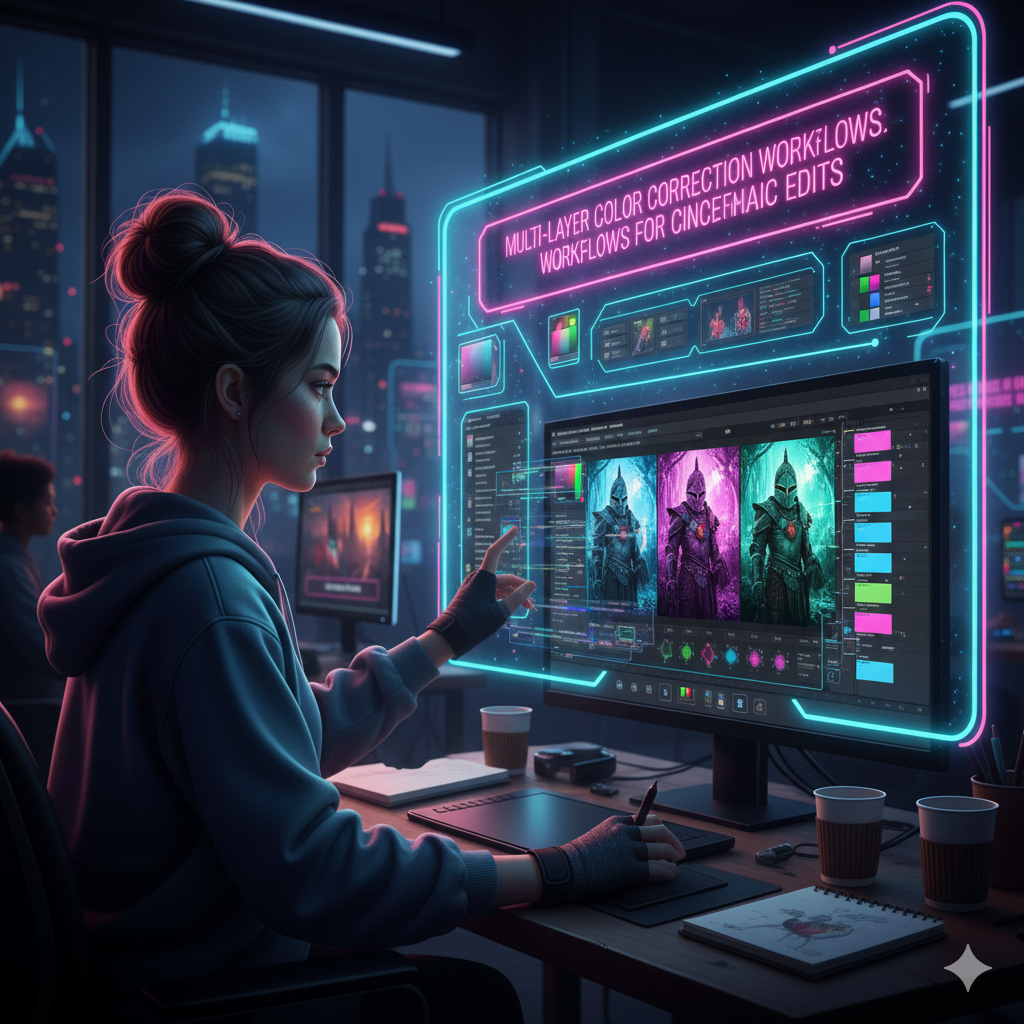
Multi-Layer Color Correction Workflows for Cinematic Edits
A single color change is not enough to create dramatic images; many adjustments are required. Editors who work professionally construct their appearance by means of a workflow that is organized and consists of several layers. This workflow allows them to manage exposure, balance color, shape mood, and combine artistic tones without compromising detail. You will be able to make polished, film-inspired images that seem deliberate and emotionally unified if you work across numerous layers rather than a single global adjustment. This will allow you to acquire accuracy, flexibility, and the capacity to edit.
Acquiring an Understanding of the Function of Multi-Layer Color Compensation
Separation and control are the driving forces behind a cinematic color process. Because each layer is responsible for a different aspect of the overall appearance, it is not necessary to depend on a single adjustment to correct exposure, color, and contrast. The grading process is made more predictable, non-destructive, and easier to improve thanks to the segmented structure that is used. Additionally, it enables you to experiment with different styles for a variety of outputs, such as social media, film stills, or promotional images, without compromising the overall quality of the work.
Beginning with a Base Exposure Adjustment That Is Completely Clean
The exposure balancing process is always the initial step in a workflow for the film industry. Make adjustments to the shadows, midtones, and highlights of the picture by using Curves or Levels until the image has a tonal range that is neutral and evenly distributed. It is not the purpose of this step to stylize the picture; rather, the objective is to establish a foundation that is balanced. In the absence of appropriate exposure, subsequent color layers are unable to function effectively.
modifying the white balance and temperature settings of the camera
Following the stabilization of the exposure, the white balance should be adjusted by using either the Color Balance, Selective Color, or Camera Raw changes. Accurate temperature and tint control are very important for the creation of cinematic color tones. Unwanted color casts should be eliminated, whites should be neutralized, and skin tones should be brought within the natural ranges. In order to guarantee that succeeding color grading layers operate in a consistent and predictable manner, a picture must be correctly balanced.
By using targeted contrast, cinematic depth may be created.
Both depth and dimension are necessary for cinematic editing. For the purpose of adding contrast, a second Curves adjustment that is only devoted to sculpting highlights and shadows might be used. If you want to avoid sharp clipping, you might think about using mild S-curves in the manner of film. These curves elevate shadows slightly and bring down brilliant highlights. This results in transitions that are more seamless and a dynamic range that is softer and more filmic.
Improvements to Skin Tone Through the Use of Dedicated Midtone Controls
Due to the fact that human figures are often the focal point of cinematic compositions, skin-tone correctness is of the utmost importance. With the help of Selective Color or Hue/Saturation, you may modify the reds, yellows, and oranges by creating an adjustment layer that is focused on the midtones. The objective is to continue to have skin that is healthy and natural without allowing artistic grading to damage the complexion of the middle tone. It is possible to maintain a realistic appearance during rigorous grading by isolating skin tones on their own layer.
Employing Color Separation in Order to Form Emotional Undertones
The distinction between shadows, midtones, and highlights is one of the characteristics that distinguish cinematic color from other color styles. When working with processes that are influenced by film, split-toning or color grading layers are sometimes used to assign certain colors to various brightness ranges. A professional and atmospheric appearance may be achieved by using blues and teals in the shadows, warmer tones in the highlights, and somewhat desaturated pigmentation in the midtones. The separation of colors contributes to the emotional effect and brings about an improvement in visual complexity.
Saturation Controls That Are Subtle Built Into the Building Atmosphere
Instead of making adjustments to the saturation on a global scale, it should be tweaked across numerous levels. Make use of one layer for overall saturation, another layer for focused modifications depending on hue, and a third layer for selective desaturation in certain locations that you want to change. In general, cinematic edits tend to have a regulated saturation, which means that the saturation is rich but not overwhelming, and the emphasis is placed on color balance rather than intensity.
Layers that are inspired by film may be used to provide texture and softness.
The graphics of cinematic works often integrate layers that imitate the behavior of films. Layers of grain provide realism, bring texture together, and reduce the clarity of digital images. Layers of subtle blurring or a reduction in clarity may be used to simulate lens softness. By separating these style decisions into their own layers, you will be able to fine-tune the intensity without influencing the color work that is behind.
Improving the Direction of Light In conjunction with Dodge and Burn
The cinematic depth is substantially improved by making modifications to the local illumination. The use of Dodge and Burn on distinct layers gives you the ability to influence the flow of the image by highlighting distracting areas and reducing the brightness of crucial topics. This method imitates the lighting arrangements that are used in the actual world and assists in directing the attention of the viewer through the frame.
Color palettes are being refined via the use of gradient maps and adjustments based on LUTs.
Through the use of Gradient Maps, you are able to include stylistic tones that adhere to the brightness structure of the picture. They provide instantaneous cinematic character when they are applied in a subtle manner. In order to avoid damaging color shifts, layers that are based on LUTs should be placed at the bottom of the stack. This will ensure that they contribute consistency and stylization. LUTs should be seen as finishing layers rather than basic tools.
Integration of the final product, including global curves and adjustments to output
Bringing all of the layers into harmony is the last stage in the process of a film production. An modification to the global curves may be used to regulate the final black and white spots and unify the contrast ratio. Additional levels of fine-tuning may include vignettes, selective sharpening, or mild noise reduction, among other possible options. The objective is to produce a final picture that is coherent and in which every hue and tone seems to be merged in a natural way.
By using layer structures that are completely non-destructive, flexibility may be preserved.
The adaptability of multi-layer color correcting is said to be one of its greatest strengths. While the integrity of the picture is not compromised, any modification may be toggled, masked, modified, or replaced without causing any harm. When it comes to work of a professional caliber, when modifications, different versions, and iterative additions are the norm, this modular approach is very necessary.